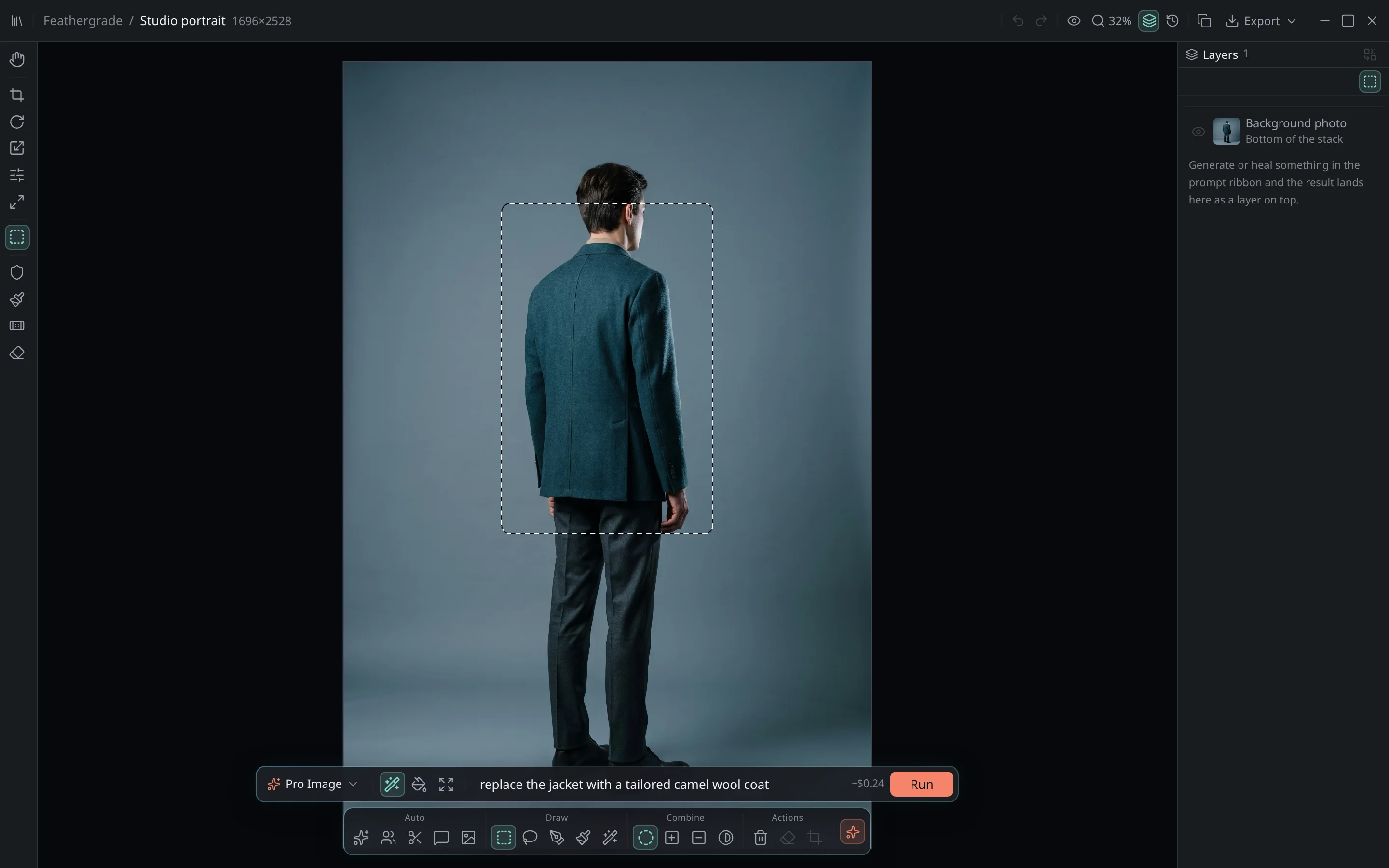
the real app · genuine capture, not a mockup↖ drag on the image — draw a selection, then ⌘G
Feathergrade regenerates exactly the region you pick — at full quality — and blends it back into the original grain, light and focus. Everything outside your selection stays untouched. Faces, poses, identity: preserved.
access by invitationbring your own api key · at costmacOS 13+
Change only what you select✳Seamless✳Local-first✳BYO API key✳Private beta✳macOS✳Change only what you select✳Seamless✳Local-first✳BYO API key✳Private beta✳macOS✳
Beta
access by invitation
12
months of updates
100%
local library
BYO
api key, at cost
◇ the seam test
Where others leave a seam, Feathergrade leaves nothing.
drag the handle → inspect the join. grain, light and focus are matched, not pasted.
before · original plate
after · generated fill
⇄
◍ canvas preview
edit · selection → prompt → resultedit · jacket rebuilt as a camel coat
blend · import → place → mergeblend · relit into the scene
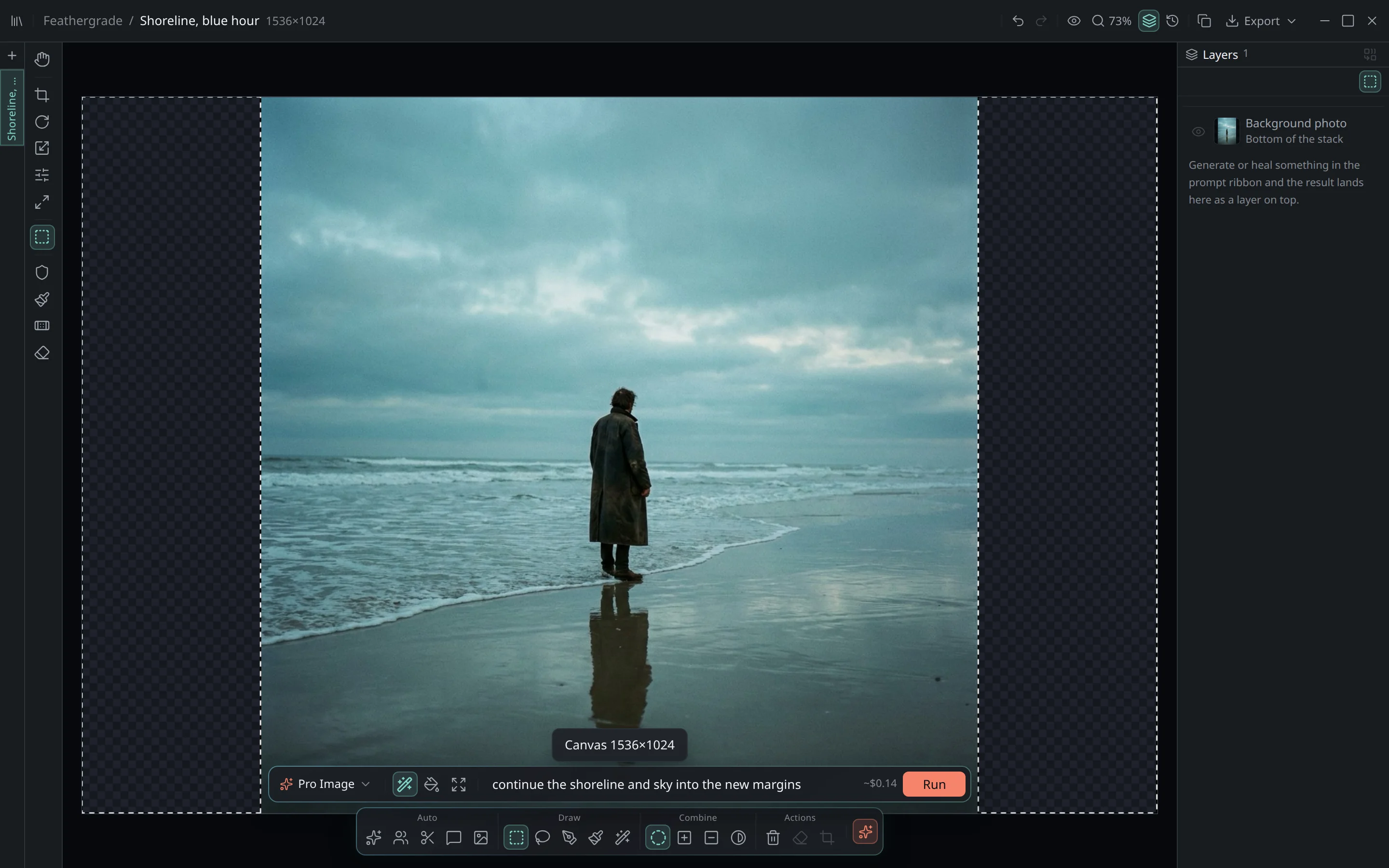
expand · widen frame → outfill marginsexpand · new margins continued
Three modes · one canvas
01
01 — edit
edit · selection → prompt → resultedit · jacket rebuilt as a camel coat
Replace anything inside a selection.
Circle the object, describe the change, generate. Feathergrade rebuilds only what you selected and threads it back into the original grain and light.
02
02 — blend
blend · import → place → mergeblend · relit into the scene
Bring in a photograph that wasn’t there.
Paste or drop an image, place it on the canvas, then Blend. Feathergrade relights the import into the scene so it sits in the photograph — not pasted on top.
03
03 — expand
expand · widen frame → outfill marginsexpand · new margins continued
Grow the frame past its edges.
Add transparent margins, then outfill them with scene-consistent light and texture. Reframe a tight crop into a full composition.
◈ one instrument
Every classic tool. Generative AI where you need it.
No choosing between a real editor and an AI toy. Everything lives on one canvas, with real layers and full version history.