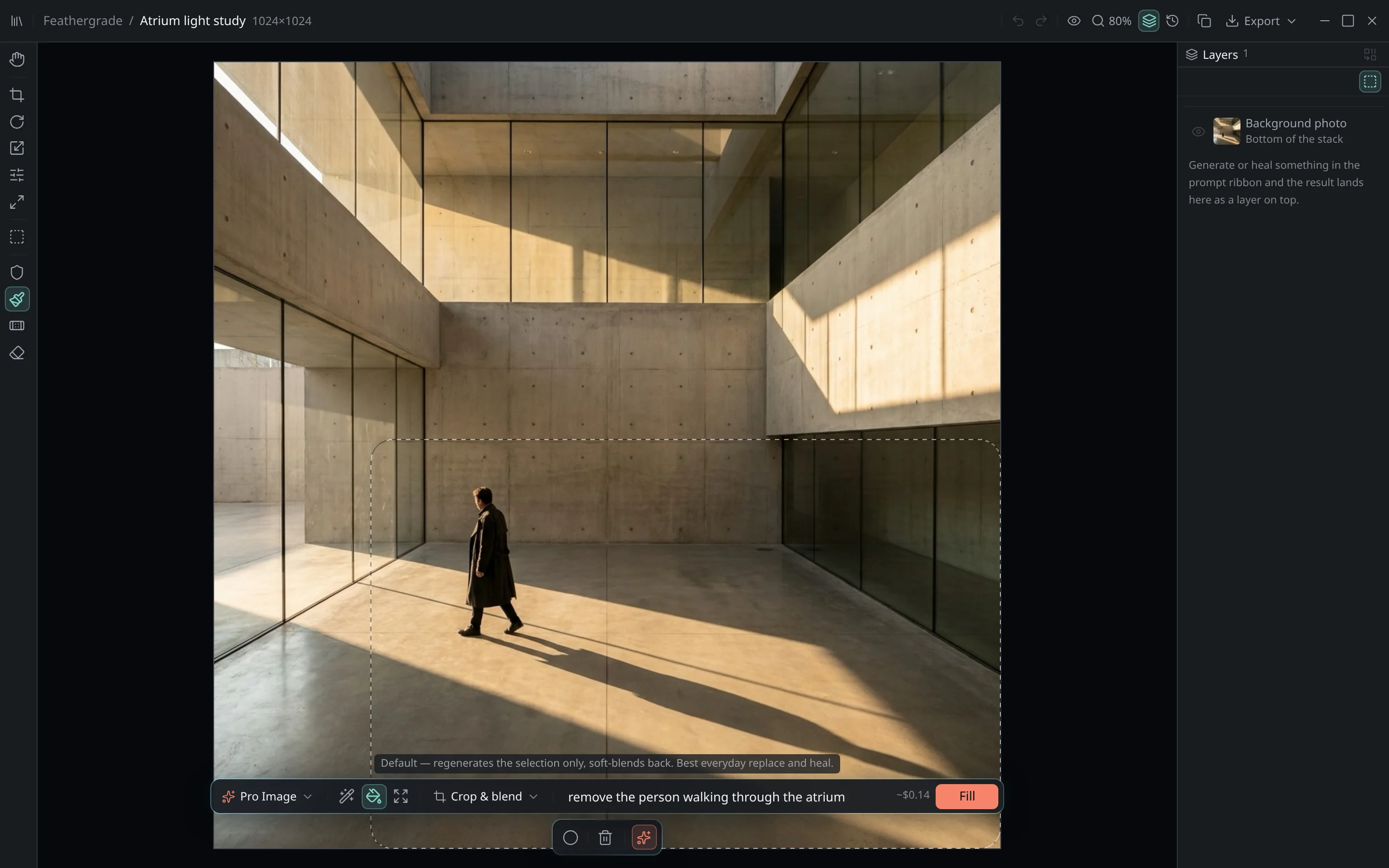
Four methods, because photos differ
Pick the blend that fits the shot - a tight product cut-out and a soft-focus landscape need different hands.
Crop & blend
Fast pass that regenerates the region and feathers it into place. Great for everyday clean-ups.
Crop + polish
A second pass refines edges and micro-texture where the join needs to be invisible.
Proper mask
Uses your exact edit mask so the model only reconstructs what you painted - nothing else moves.
Full frame
Considers the whole image for maximum global consistency on complex scenes.
Protect masks guard what stays. Edit masks aim what changes. You're always in control of the seam.