Classic local tools
Precise, fast and entirely on your machine — the everyday moves before any AI enters the frame.
Crop & straighten
Freeform or aspect-locked, with rotate and flip.
Resize
Scale to exact dimensions with tabular precision.
Adjustments
Exposure, contrast, colour and tone, scrubbable.
Heal & erase
Clean up dust, blemishes and stray objects fast.
AI that blends in
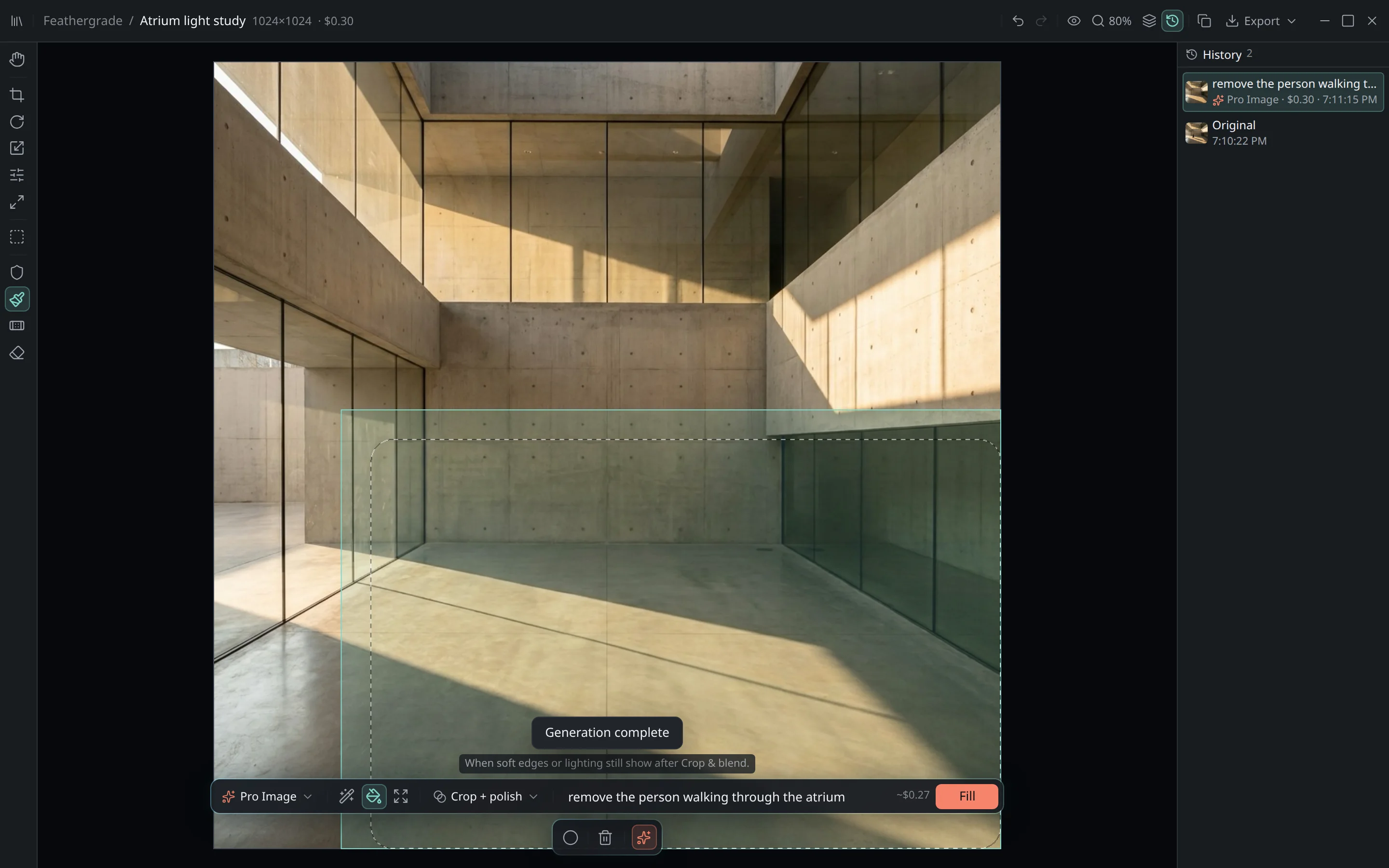
Three modes, one prompt ribbon. Each result is threaded back into the surrounding pixels.
Masks, layers & history
The professional scaffolding: say what changes, keep it on layers, and never lose a step.
Protect mask
Paint the areas the AI must never touch.
Edit mask
Target infill precisely with brush, lasso and pen.
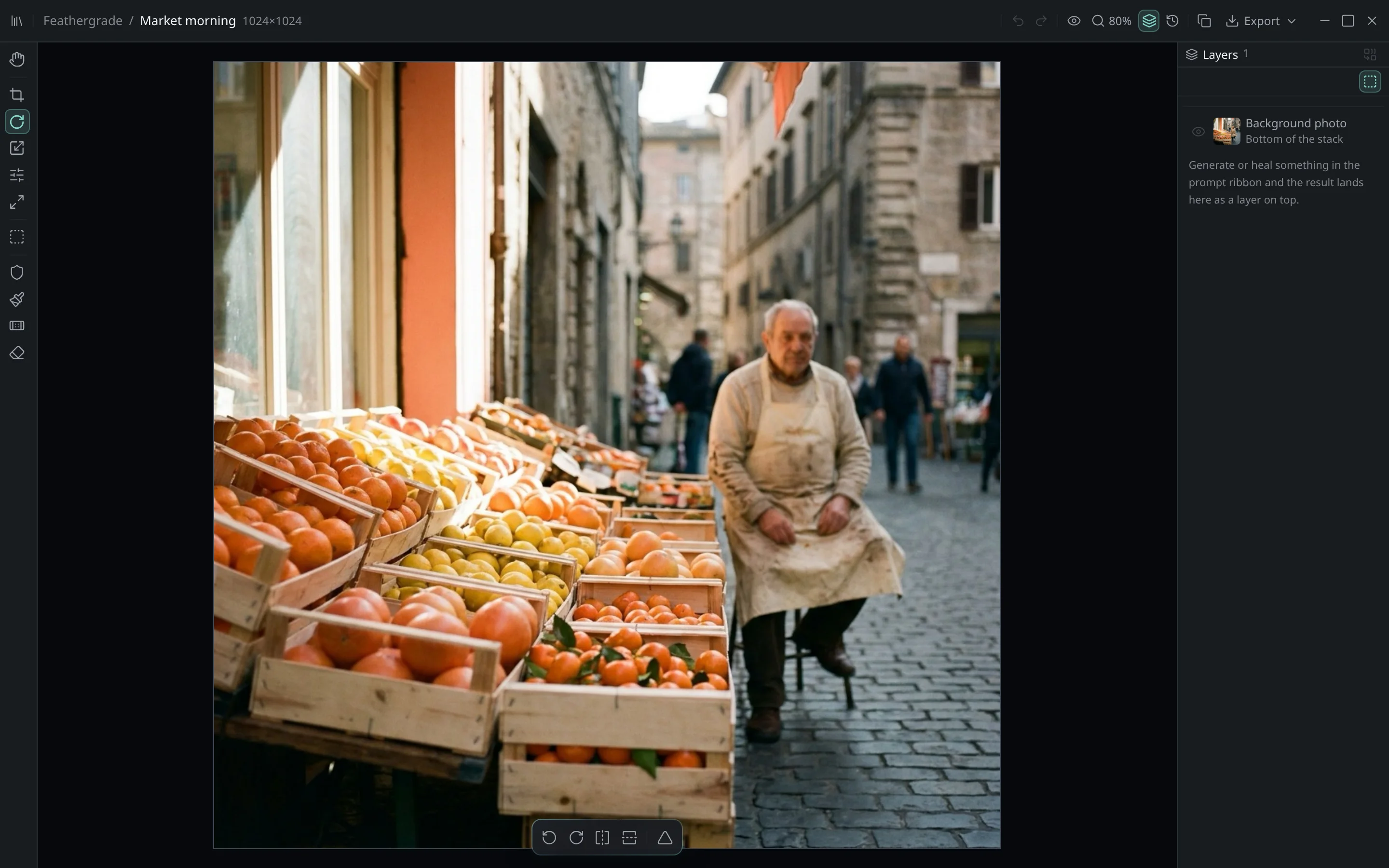
Real layers
Reorder, rename and flatten — generated layers included.
Version history
Every version records the model that made it.
Library, models & export
Edit, store projects and export locally. AI generation runs with the provider you configure.
Local library
A home dashboard on your disk: recent projects, search, and import — no cloud account.
Model picker
Pro Image, Flash Image, or Flash Image 2.5.
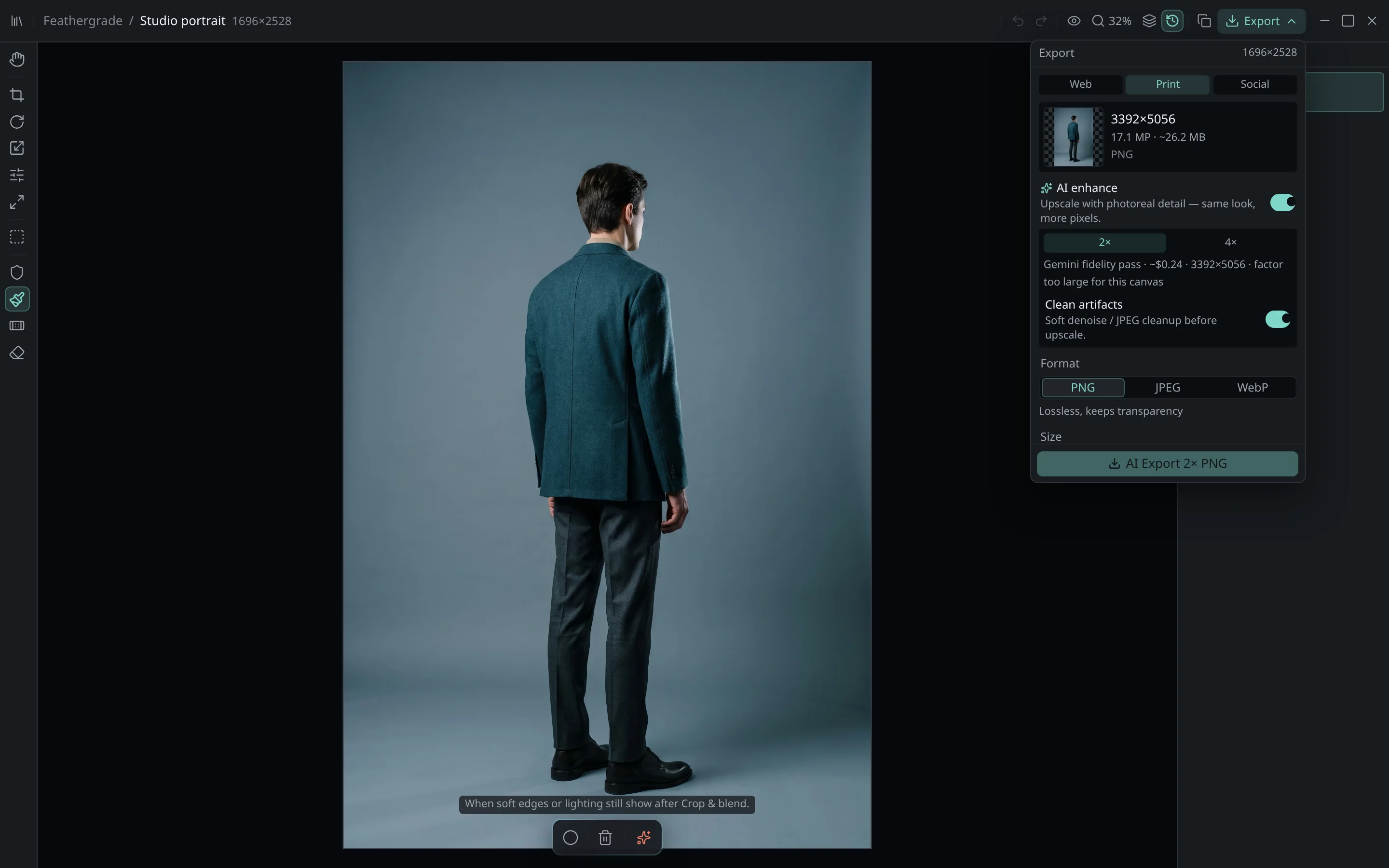
Export
PNG, JPEG or WebP with quality control.
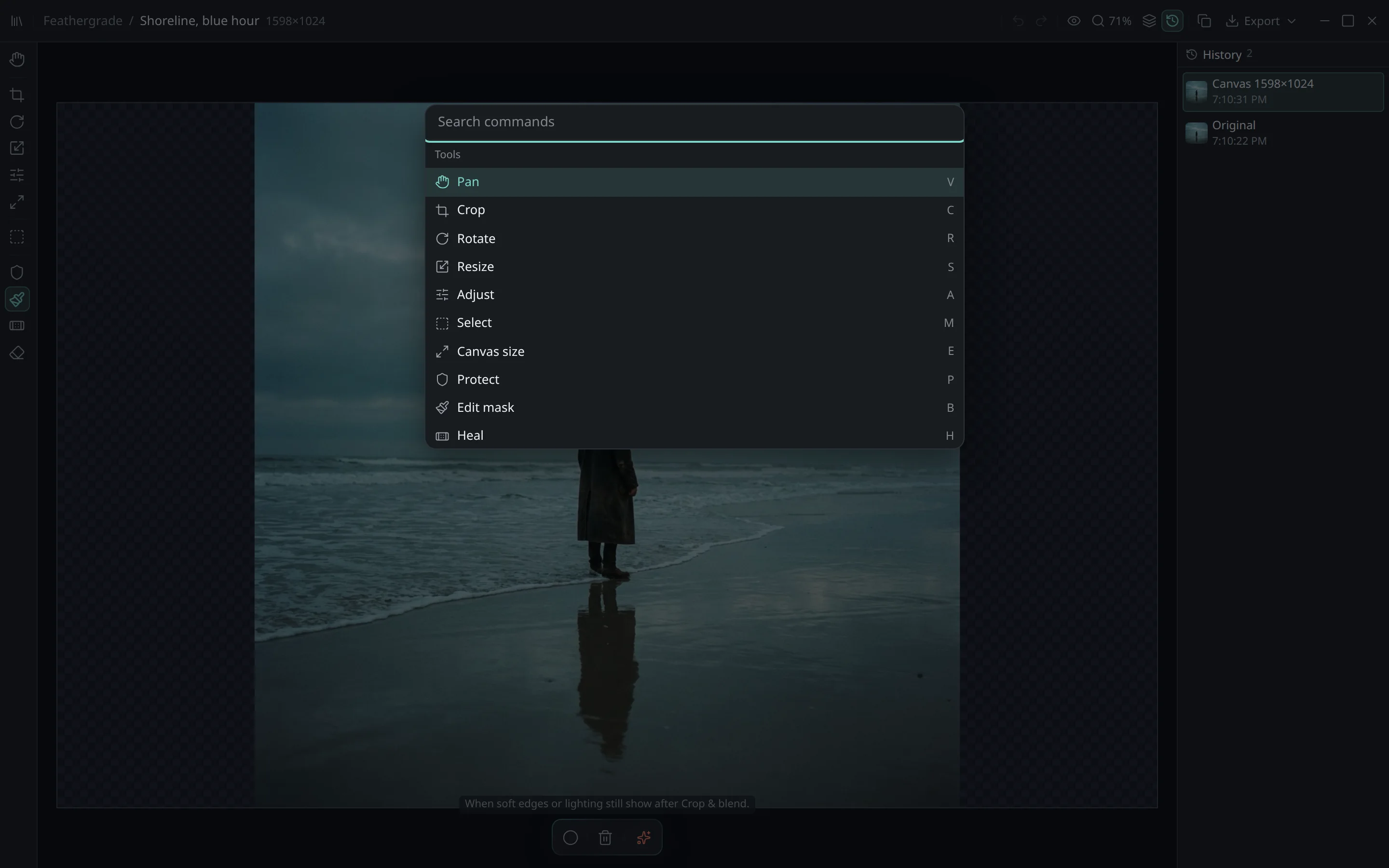
Keyboard-first
Undo, redo, compare, generate and export by hand.